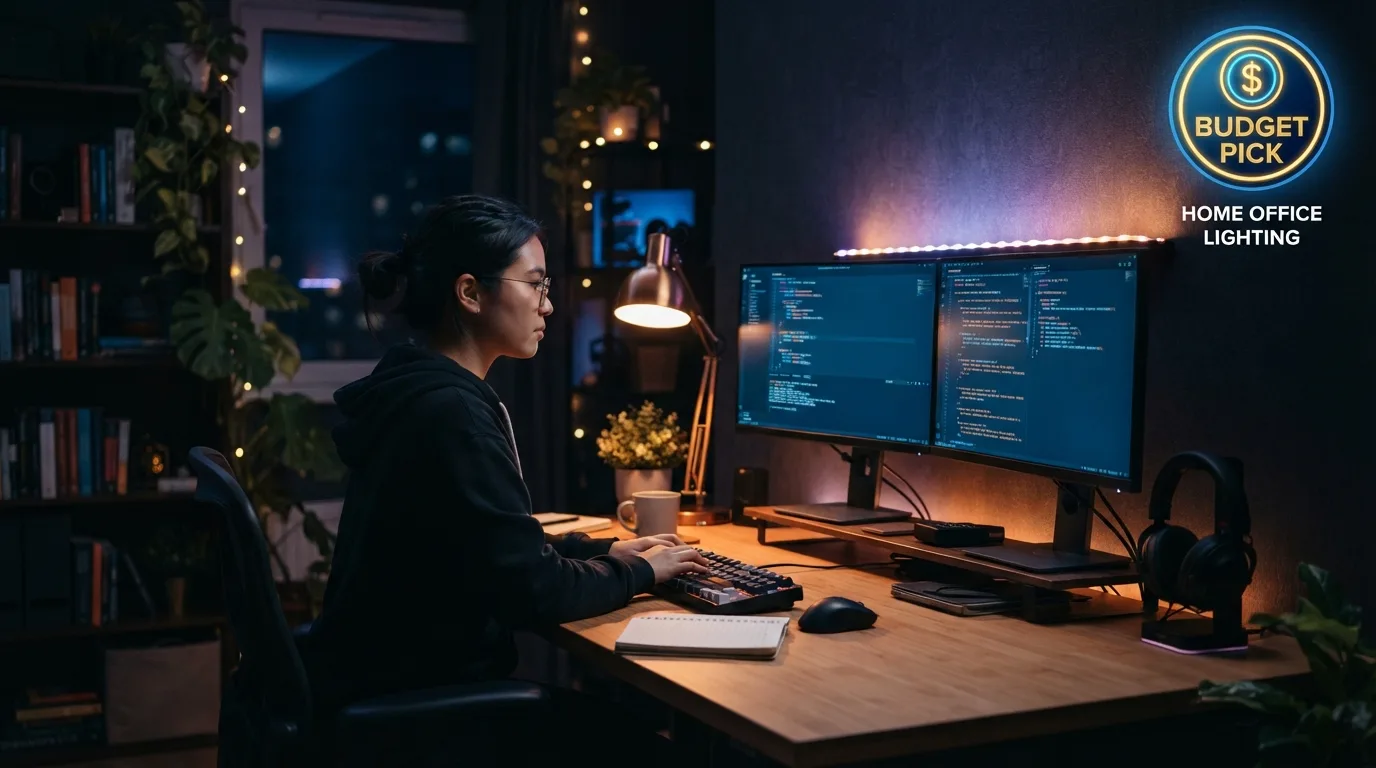
Finding budget friendly home office lighting for night shift workers saved my sanity when 3 AM headaches almost ruined my job. Sitting under a harsh overhead bulb while the rest of the world sleeps feels alienating and brutal on your eyes. You do not need expensive studio equipment to craft a workspace that keeps you wide awake, comfortable, and focused until sunrise.
1. Monitor Light Bars for Glare-Free Screens
Screen-mounted light bars clamp directly onto your monitor frame, casting balanced light downward onto your desk without reflecting off the glass screen. This setup eliminates harsh glare while keeping your immediate workspace brightly lit during dark graveyard hours. I attached a twenty dollar Quntis bar to my desktop and immediately noticed less physical strain during long late-night sessions.
Most models draw power directly from a computer USB port, saving precious desk space and wall outlets. You can adjust the color temperature to stay alert without illuminating the entire bedroom. Screen glare reduction helps prevent fatigue when working past midnight without disturbing family members sleeping nearby.
2. Dimmable LED Desk Lamps with Color Control
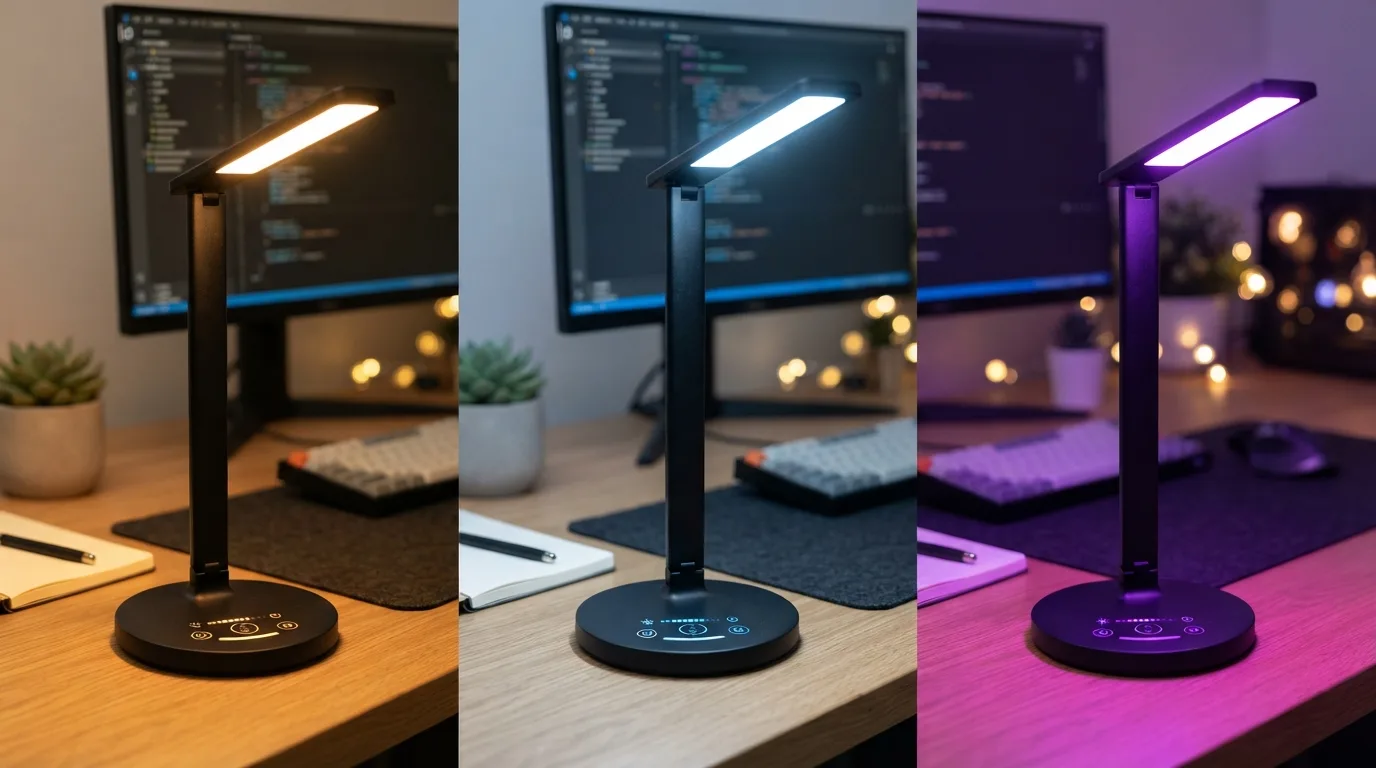
Adjustable desk lamps featuring warm and cool temperature modes let you manipulate your environment based on fatigue levels. Bright white light keeps your mind sharp during the first half of your shift, while warm light helps you wind down before heading to bed. A simple TaoTronics desk lamp provides this flexibility without breaking the bank.
Positioning the lamp head at a forty-five degree angle prevents annoying reflections on your keyboard keys. Many budget options include built-in wireless charging pads or extra USB ports for your mobile phone. Using color temperature adjustment makes staying alert feel natural rather than forced by oppressive overhead lights.
3. Bias Lighting Strips for Budget Friendly Home Office Lighting for Night Shift Workers
LED light strips attached behind your monitor create a soft ambient background glow that softens contrast between your bright display and a pitch dark room. This simple trick prevents your pupils from constantly dilating as you look around. Applying an eight dollar USB light strip behind my screen completely stopped my daily 4 AM eye twitches.
Powering these strips is simple because they turn on automatically whenever your computer wakes up from sleep mode. You get subtle illumination that makes your desk setup look sleek without casting harsh shadows across your keyboard. Ambient background illumination balances contrast cleanly during overnight shifts.
4. Smart RGB Bulbs for Circadian Adjustments
Swapping standard bulbs in your existing lamps for budget smart bulbs lets you schedule light changes on a timer. Finding reliable budget friendly home office lighting for night shift workers often comes down to choosing flexible smart bulbs like Kasa, which cost around ten dollars and require no extra hardware hub. You can program cool daylight tones to kick in at midnight, then shift to soft amber tones near sunrise.
Controlling light settings through a simple phone app means you never have to stand up during intense focus blocks. Setting light schedules helps train your body clock to recognize work hours despite the sun being down outside. Automated lighting schedules maintain energy consistency throughout your night without manual effort.
5. Clip-On Book Lights for Secondary Task Areas
Compact clip-on reading lights provide focused spotlight illumination whenever you need to write in a paper notebook or read physical documents. Instead of turning on main room lights, clipping a small rechargeable light to your desk shelf targets light precisely where you need it. IMO, this remains the cheapest way to add directed task lighting to any dark corner.
Rechargeable lithium batteries inside these units last for several days of continuous nighttime use on low settings. The flexible gooseneck arm lets you point the beam away from your monitor to avoid stray reflections. Targeted task lighting solves local darkness problems while keeping the surrounding room dim and comfortable.
6. Floor Lamps with Upward Diffusers
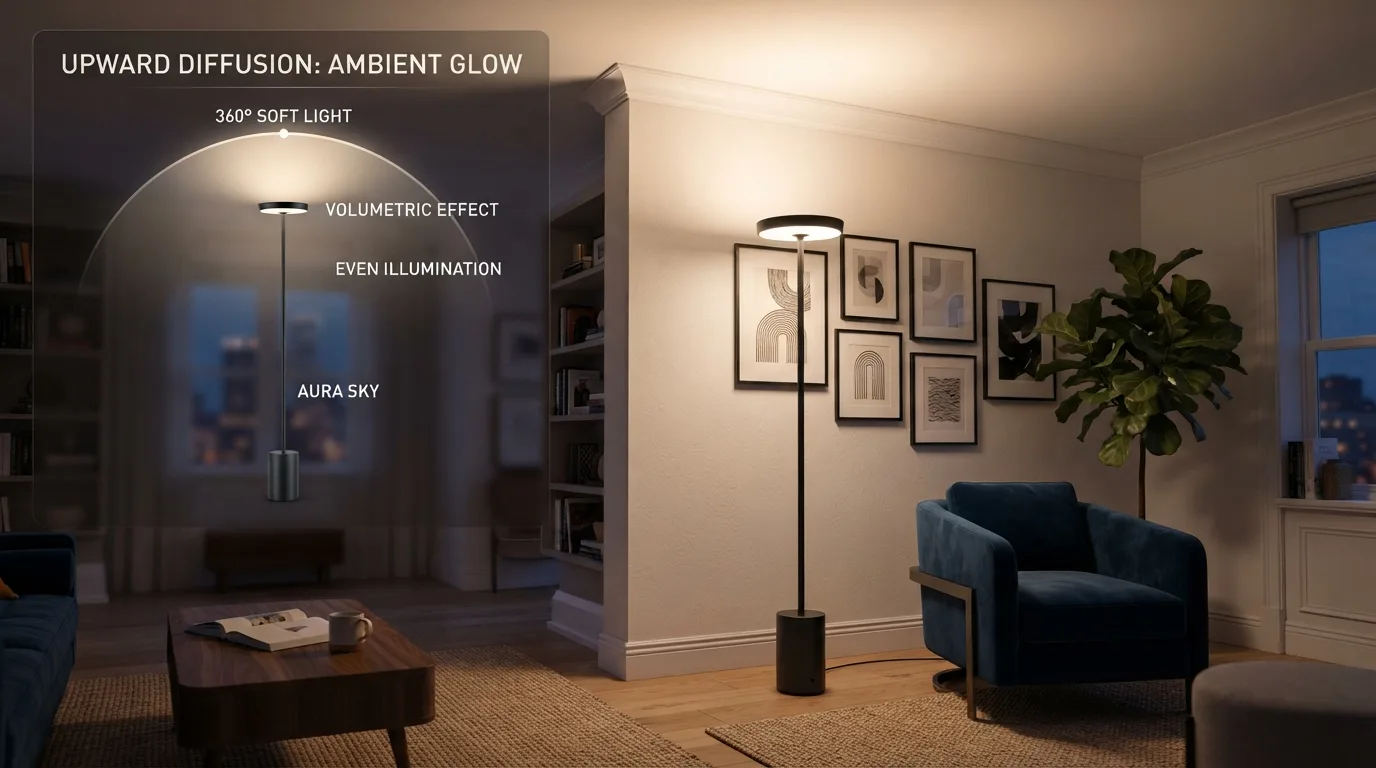
Torchiere floor lamps bounce soft light off white ceilings, filling dark room corners without creating direct glare in your field of vision. Placing one behind your desk setup builds an even wash of background light that mimics gentle twilight. An inexpensive IKEA floor lamp combined with a warm bulb creates a cozy workspace atmosphere instantly.
Using frosted plastic shades diffuses light evenly across wall surfaces instead of creating harsh hotspots. This approach works exceptionally well if you share an apartment space and want to avoid shining bright beams toward doorways. Diffused upward lighting bounces light softly to eliminate dark shadows in your home office.
Frequently Asked Questions
How do I choose budget friendly home office lighting for night shift workers?
Focus on layered lighting instead of a single strong bulb. Combine a monitor light bar for task work with a soft bias light behind your screen. This combination reduces screen glare and eye strain without requiring high power bills or expensive designer fixtures.
Should night shift workers use cool white or warm yellow light?
Start your shift with cool white light around 5000K to boost alertness and suppress melatonin production. As your shift ends, switch to warm light near 2700K. This transition helps your brain prepare for sleep before you step outside into morning daylight.
How can I prevent glare on my screen when working at night?
Position desk lamps off to the side at angled positions rather than directly behind or in front of your display. Screen light bars clip to the top of your monitor and cast light down vertically, which completely eliminates reflections across glass displays.
Are smart light bulbs worth the extra money for overnight shifts?
Yes, smart bulbs are worth the small cost because automated schedules manage color shifts automatically. You will not have to manually remember to adjust brightness levels while focused on tasks, keeping your sleep cycle balanced on rotating schedules.
Can poor lighting during night shifts cause physical headaches?
High contrast between a bright monitor screen and a dark room forces your eye muscles to strain continuously. Adding soft ambient background lighting balances room brightness, which significantly cuts down on late-night tension headaches and uncomfortable eye fatigue during long shifts.
Conclusion
Setting up a comfortable overnight workspace does not require throwing away your hard-earned cash on studio gear. A simple light bar combined with an ambient backlight makes long graveyard shifts far easier on your eyes. What light setup are you planning to add to your desk tonight?