The top coding resources for busy full time students are the ones you can squeeze between lectures, ramen dinners, and that group project nobody else is doing. I taught myself Python during my junior year while juggling five classes and a part-time job, mostly in fifteen-minute chunks on my phone. You do not need endless free hours. You just need tools built for people whose calendars already look like a crime scene.
1. freeCodeCamp for Structured Free Learning
Working through freeCodeCamp feels like having a patient tutor who never gets tired of your questions. The platform breaks entire certifications into tiny interactive lessons you complete right inside the browser, no downloads required. I finished chunks of their JavaScript track during bus rides without ever losing my place.
This resource shines for students who want a clear roadmap instead of random scattered tutorials. Everything stays completely free, and the projects push you to actually build working apps. Hands-on coding practice here beats passively watching videos, because you type real code from lesson one instead of just nodding along.
2. Codecademy for Guided Interactive Practice
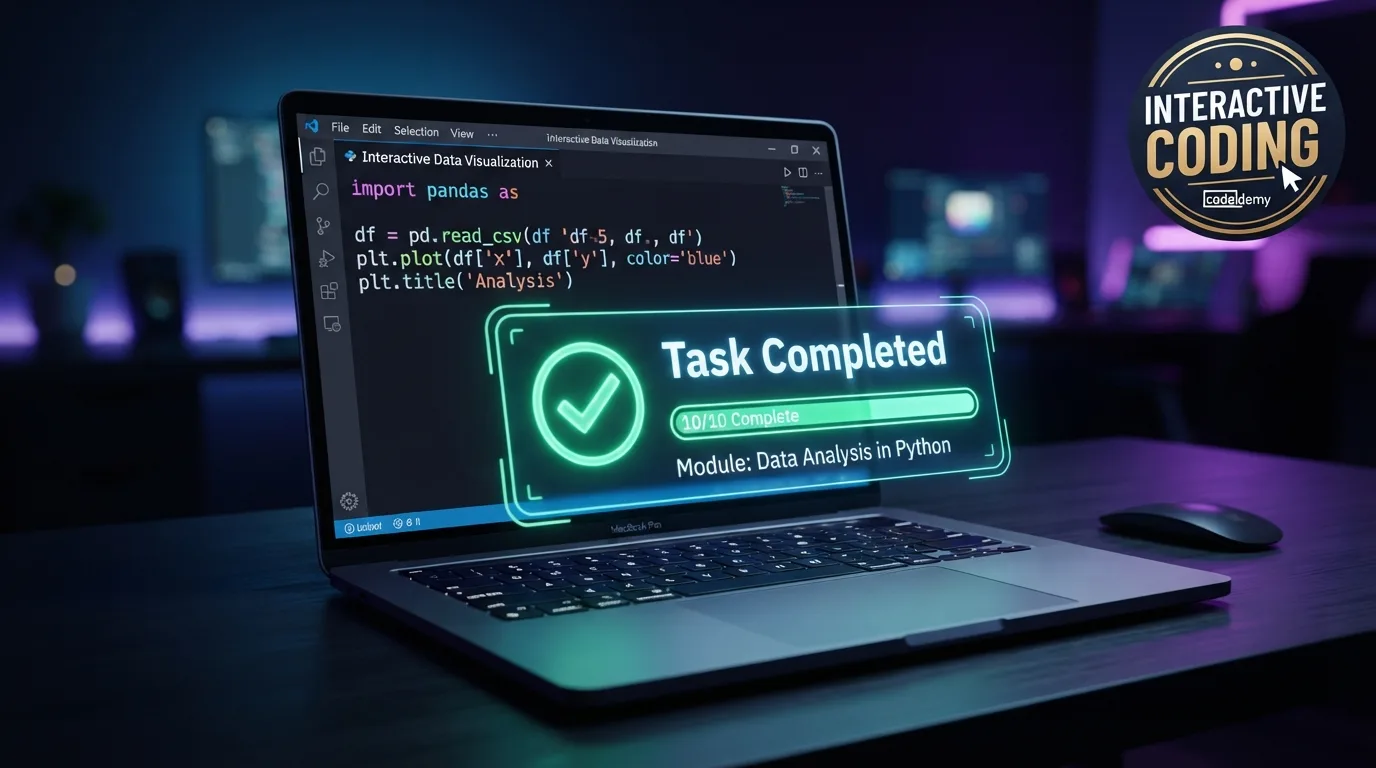
Opening Codecademy after a long day of classes barely feels like studying, which is honestly the point. The interface holds your hand through each concept with instant feedback whenever your code breaks. You write, run, and fix code inside one clean window without juggling separate editors or confusing setup instructions.
Busy learners love this because sessions work perfectly in short bursts between assignments. The free tier covers plenty of fundamentals across Python, HTML, and SQL. My only gripe is that the deeper career paths sit behind a Pro subscription, so budget-minded students should milk the free lessons hard first.
3. YouTube Channels That Teach Full Projects
Scrolling YouTube for actual coding education sounds like a trap, yet a few creators completely changed how I learn. Channels like Traversy Media, Programming with Mosh, and freeCodeCamp’s own channel post full-length build-along tutorials for free. You follow along building real websites and apps, pausing whenever life interrupts your flow.
This approach suits visual learners who absorb concepts better by watching someone explain their thought process. Among the top coding resources for busy full time students, video walkthroughs stand out for commute-friendly learning. Project-based videos help you connect scattered concepts into something you can actually show off later.
4. LeetCode for Interview and Exam Prep
Grinding LeetCode problems saved me during technical interview season when my brain felt fried from finals. The site stockpiles thousands of coding challenges sorted by difficulty and company, letting you practice exactly what recruiters throw at candidates. You can filter for easy problems when your energy tank runs low.
Computer science majors preparing for internships get the most mileage here. Solving one problem a day builds serious momentum without eating your whole evening. The trade-off is that raw problem-solving can feel discouraging early on, so pair it with solution write-ups instead of banging your head against the wall alone.
5. The Odin Project for Web Development
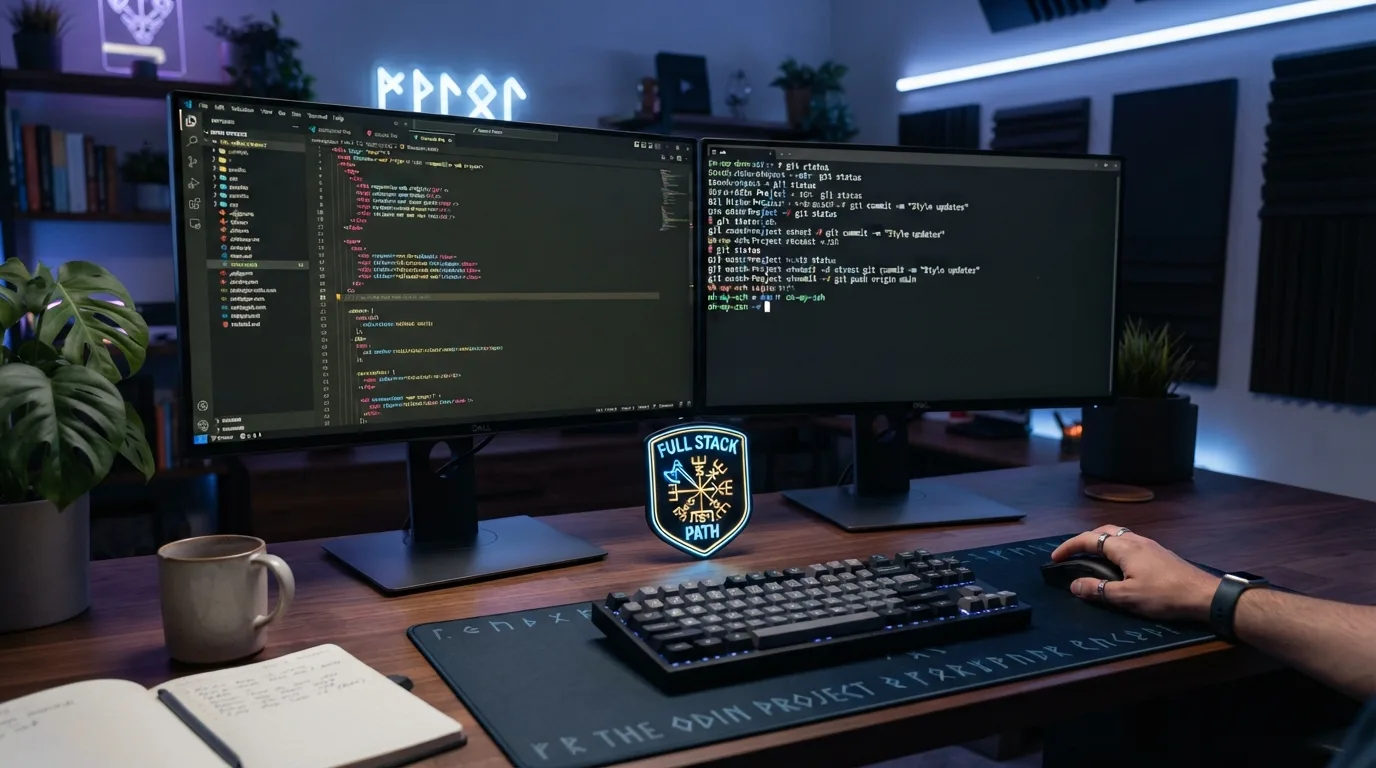
Following The Odin Project feels like enrolling in a full bootcamp without paying a single dollar. This open-source curriculum guides you through full-stack web development using real tools professional developers actually use daily. You install proper software, use Git, and build projects that live on your genuine GitHub profile.
Students serious about landing a web development role should bookmark this immediately. The community Discord answers questions fast when you get stuck at midnight. Fair warning, the setup phase demands more patience than plug-and-play platforms, so block off a solid afternoon for the initial environment configuration before diving into lessons.
6. Coursera and University-Backed Courses
Enrolling in Coursera courses gives you legitimate university content without leaving your dorm room. Big names like Stanford and the University of Michigan post structured programming courses you can audit completely free. You watch lectures, read materials, and follow along at whatever pace your class schedule permits.
This works beautifully for learners who trust academic structure and want recognizable credentials. Auditing keeps costs at zero, though certificates require payment if you want proof for your resume. Some courses move slower than self-paced platforms, so skim the syllabus first to make sure the workload fits around your real commitments.
7. Mimo for Learning on Your Phone
Downloading Mimo turned my dead scrolling time into actual skill building, which felt weirdly productive. The app delivers bite-sized coding lessons designed specifically for tiny gaps in your day, like waiting in the cafeteria line. Each lesson lasts a few minutes, so you never need a huge time commitment.
Phone-first learners who hate opening laptops will genuinely enjoy this format. The gamified streaks kept me coming back even on exhausting days. FYI, mobile apps like this work best as a supplement rather than your only teacher, since typing real code on a full keyboard eventually matters a lot.
8. GitHub and Open Source Projects
Contributing to GitHub projects sounds intimidating until you realize it teaches faster than any polished tutorial. Reading other developers’ real code shows you how professionals actually structure their work outside sanitized classroom examples. You start small by fixing typos in documentation, then slowly tackle tiny bugs as your confidence grows.
Students hunting for real portfolio material should live here. Every contribution builds a public track record employers genuinely respect. Among the top coding resources for busy full time students, this one rewards consistency most. Real-world code exposure turns abstract lessons into practical skills you can talk about in interviews with actual confidence.
Frequently Asked Questions
What are the best free coding resources for busy full time students?
freeCodeCamp and The Odin Project top the list because both offer complete, structured curriculums at zero cost. YouTube channels like Programming with Mosh add excellent free video tutorials. Combining a structured platform with occasional videos gives you a well-rounded education without spending money you probably do not have as a student.
How much time do I need to learn coding as a full time student?
Even fifteen to thirty minutes daily creates real progress over a semester. Consistency matters far more than marathon weekend sessions that burn you out. Short, regular practice keeps concepts fresh in your memory. Many working students learn a language in a few months by simply coding a little bit every single day.
Can I really learn coding on my phone between classes?
Yes, apps like Mimo and Codecademy Go make phone-based learning genuinely effective for absorbing concepts and syntax. Mobile study works great for quick reviews and small lessons during commutes. Just plan to eventually practice on a laptop too, since building full projects requires a proper keyboard and development environment.
Which programming language should a beginner student start with?
Python is the friendliest starting point because its clean syntax reads almost like plain English. It powers data science, automation, and web development, giving you flexible career options later. If you specifically want to build websites, start with HTML, CSS, and JavaScript instead, since those directly control everything you see online.
Do I need to pay for coding courses to get a job?
No, plenty of self-taught developers land jobs using entirely free resources. Employers care about your portfolio and problem-solving ability, not receipts. A strong GitHub profile with real projects often impresses recruiters more than paid certificates. Save your money, build things publicly, and let your actual work speak for you.
Conclusion
Learning to code around a packed student schedule is completely doable when you pick tools that respect your limited time. Start with one resource, code a little every day, and watch those tiny sessions stack into real skills by semester’s end. Which of these are you adding to your study routine first?