Finding easy cybersecurity habits for people short on time saved my digital life when my primary email got leaked in a massive database breach. My heart dropped as strange login attempts flooded my inbox at two in the morning. You do not need hours of free time or an IT background to guard your personal data. A few tiny tweaks keep your personal accounts locked down tight.
1. Switch to a Password Manager
Setting up a password manager removes the mental burden of remembering dozens of complex passwords across your online accounts. Software like Bitwarden or 1Password generates unique keys for every single website and fills them automatically when you log in. You only need to memorize one strong master password to unlock your entire digital vault.
Built-in password autofill prevents you from accidentally typing sensitive credentials into convincing fake phishing websites. I imported all my old saved browser passwords into a dedicated manager during a fifteen-minute lunch break last year. This single change eliminates the temptation to reuse simple passwords across sensitive banking and social sites.
2. Enable Two-Factor Authentication via Authenticator Apps
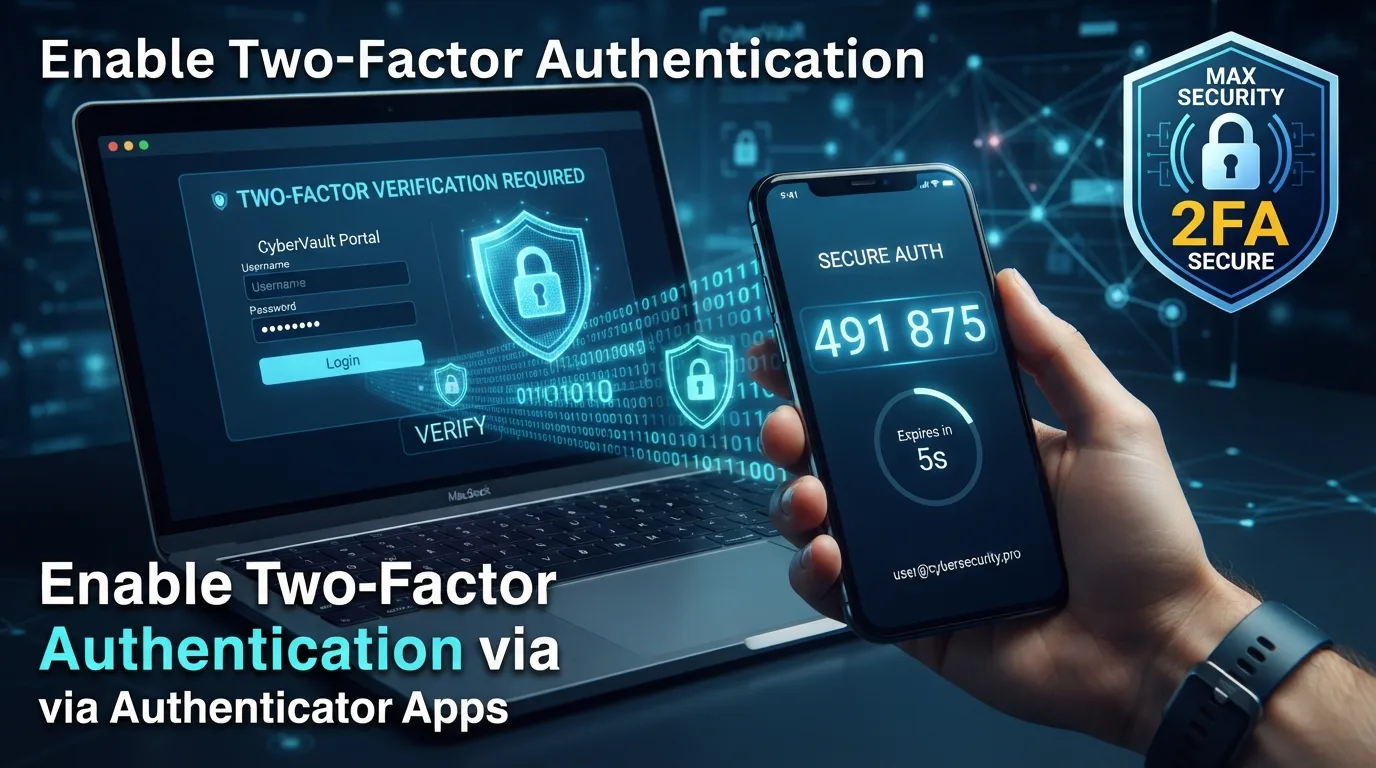
Adding a second verification layer stops hackers even if they somehow discover your primary password during a corporate data leak. Instead of relying on slow SMS text codes that scammers can intercept, download a free app like Google Authenticator or Aegis. These tools generate fresh six-digit security codes right on your device screen every thirty seconds.
Authenticator app verification takes only a couple of seconds to approve when logging into your critical email or bank accounts. Switching away from SMS verification protects your accounts against phone number hijacking attempts. Turning this security layer on for your main email account locks down your most valuable digital asset quickly.
3. Easy Cybersecurity Habits for People Short on Time: Adopt Passkeys
Passkeys replace traditional typed passwords entirely by using fingerprint sensors or facial recognition built straight into your modern phone or computer. Major platforms like Google, Apple, and Microsoft now allow you to sign in instantly without typing a single character. This technology creates cryptographic keys that phishing websites cannot steal or mimic.
Biometric passkey authentication slashes your login times down to a fraction of a second while providing top-tier account protection. Setting up passkeys on your primary devices requires just a single tap inside your account security settings. Practicing easy cybersecurity habits for people short on time means adopting passkeys whenever a service offers them.
4. Turn On Automatic Operating System Updates
Delaying software patches leaves known security vulnerabilities open for malicious programs to exploit while you browse the web. Enabling automatic background updates allows your phone, laptop, and web browser to install critical safety fixes overnight without interrupting your work. Modern software updates execute quietly without requiring manual file downloads or tedious installations.
Automated background updates fix dangerous system exploits long before cybercriminals can leverage them against everyday web users. Checking your system settings once to toggle auto-update on saves you from reading lengthy patch notes or scheduling manual update sessions. Your computer stays shielded while you focus entirely on your daily tasks.
5. Freeze Your Credit Bureau Reports
Freezing your credit files with Equifax, Experian, and TransUnion prevents identity thieves from opening new loan accounts or credit cards in your name. You can place a freeze online for free in roughly ten minutes, blocking unauthorized credit checks instantly. Unfreezing your file takes just a few clicks whenever you actually apply for a loan.
Credit bureau freezes offer unmatched protection against financial identity fraud stemming from corporate data breaches. Keeping your credit locked by default ensures nobody can misuse your Social Security number while you are busy living your life. IMO, this quick step offers the highest return on security investment for busy working adults.
6. Audit App Permissions on Your Phone
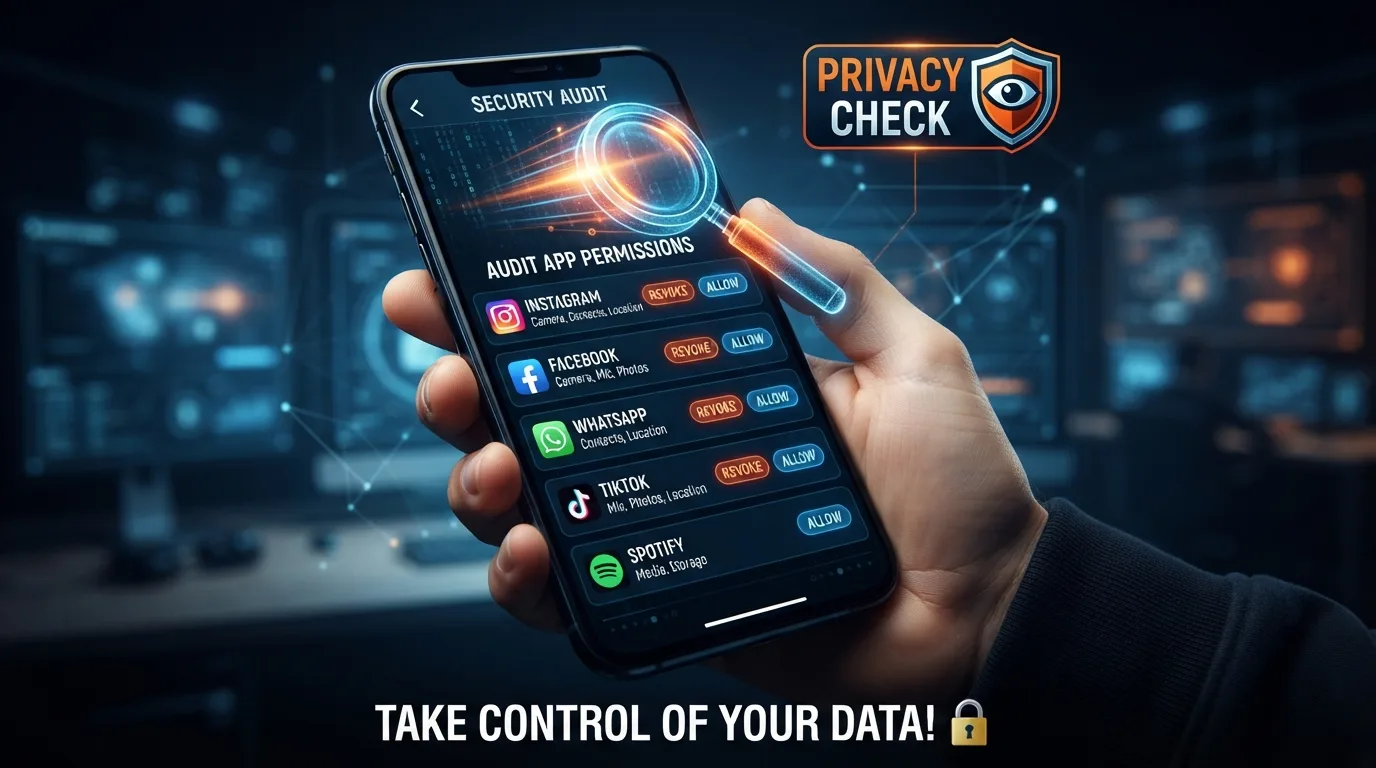
Mobile applications often request access to your precise location, camera, microphone, and contacts list without any genuine operational need. Reviewing your mobile privacy settings lets you strip away invasive access rights from games, shopping apps, and social media platforms. Disabling background location tracking also saves smartphone battery life throughout your busy day.
Mobile permission audits take less than five minutes when using built-in privacy dashboards on iOS or Android devices. Toggling microphone and location permissions to only while using the app prevents background data harvesting. Trimming unused app privileges keeps your personal information contained safely on your device.
7. Use an Encrypted Email Alias Service
Exposing your real personal email address on everyday shopping sites invites endless spam and exposes your primary inbox to data leaks. Free alias tools like DuckDuckGo Email Protection or SimpleLogin create disposable email addresses that forward messages straight to your main inbox. If an alias starts receiving spam, you deactivate that specific address with a single tap.
Encrypted email forwarding masks your true digital identity across online store checkouts and newsletters. Using unique email aliases makes tracking your browsing habits across different platforms virtually impossible for data brokers. FYI, managing aliases takes zero extra time once your browser extension is active.
8. Stop Clicking Links in Sudden SMS Alerts
Scammers frequently send fake text messages impersonating delivery services, banks, or government agencies to trick you into entering personal details online. Developing the habit of navigating directly to official websites instead of tapping text links stops phishing attacks instantly. Real organizations never demand urgent account verification through unverified text links.
Text message verification habits require zero technical setup or financial investment on your part. Simply deleting suspicious delivery tracking texts or package delay notifications protects your private credentials from fake login portals. Pausing for five seconds before reacting to urgent text alerts saves you from costly identity recovery headaches.
9. Cover Your Webcam with a Physical Slider
Video conference software and remote web tools can accidentally leave your camera active without your knowledge after a meeting ends. Placing a physical plastic slider cover over your laptop lens gives you absolute visual privacy regardless of software settings. Sliders cost almost nothing and stick securely onto laptop frames without preventing lids from closing cleanly.
Physical webcam covers guarantee that no malicious script or background software bug can watch you inside your home office. Sliding the cover open only during active video calls takes less than a second of effort. Physical security barriers always beat software privacy toggles when protecting your home environment.
10. Secure Your Home Wi-Fi Router Admin Panel
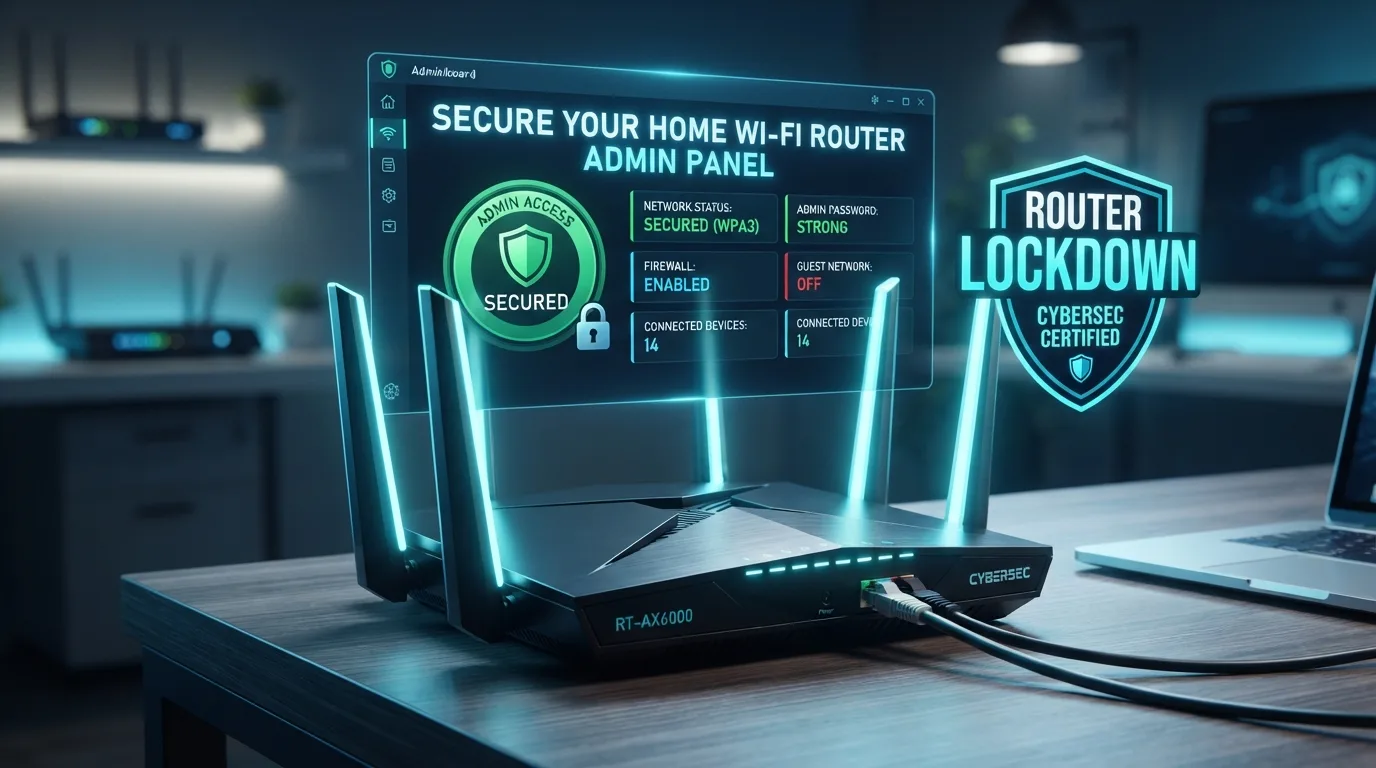
Most internet service providers ship home Wi-Fi routers with predictable default administrator passwords printed right on a sticker on the back. Changing this default admin password prevents unauthorized neighbors or nearby attackers from altering your network settings. You can complete this configuration update inside your router settings menu in under ten minutes.
Router admin security locks down the central gateway connecting all your smart home devices to the web. Updating network encryption settings to modern standards keeps unauthorized devices from sniffing your home internet traffic. Securing your central router protects every phone, tablet, and smart TV connected to your home network.
11. Log Out of Unused Web Sessions Remotely
Leaving active account sessions running on old work laptops or public library computers invites silent account hijacking. Popular services like Gmail, Netflix, and Spotify allow you to view all active signed-in devices inside your security settings. Clicking a single button terminates suspicious or old remote sessions instantly without resetting your password.
Remote session termination closes open access doors across devices you no longer physically control. Checking your active session list once a month takes two minutes and ensures old devices do not retain account access. Establishing easy cybersecurity habits for people short on time keeps your remote sessions clean.
12. Back Up Important Files to an Offline Drive
Ransomware attacks encrypt personal documents and family photos, demanding payment to unlock your files. Plugging an external hard drive into your computer once a month to copy essential folders creates a safe backup that malware cannot touch online. Store the drive disconnected from your computer so automated infections cannot reach your secondary copy.
Offline data backups give you total immunity against digital extortion schemes and unexpected hard drive failures. Copying your financial documents and family photo archives takes just a few clicks before leaving your desk. Having a clean physical backup guarantees you never lose your most valuable personal files.
Frequently Asked Questions
What are the easiest cybersecurity habits for people short on time?
Starting with a reliable password manager and enabling two-factor authentication on your primary email account delivers the biggest security payoff. These two actions block the vast majority of automated login attacks. You can set up both tools in under fifteen minutes without needing specialized technical skills or high maintenance efforts.
Are free password managers safe to use for personal accounts?
Reputable open-source or free options like Bitwarden offer top-tier zero-knowledge encryption. That means even the password manager company cannot read your saved passwords. Stick to well-known, audited security brands rather than downloading obscure browser extensions from unknown developers. Free tiers from trusted providers provide excellent security.
How often should I update my security passwords?
Changing your passwords on a strict calendar schedule is actually outdated advice. Modern security experts recommend keeping long, unique passwords indefinitely unless a database breach occurs. As long as you use unique passwords generated by a password manager alongside two-factor authentication, routine password changes are unnecessary.
Is public Wi-Fi really dangerous for everyday web browsing?
Unsecured public networks expose your internet traffic to nearby snooping if websites do not use HTTPS encryption. Modern web browsers automatically encrypt most connection traffic, but using a virtual private network on public Wi-Fi adds essential protection. Turning on a VPN takes one tap and keeps your data secure.
Why is SMS two-factor authentication considered risky?
Cybercriminals can trick mobile carriers into swapping your phone number to a new SIM card under their control. Once they hijack your phone number, they intercept your incoming SMS security codes instantly. Authenticator apps generate login tokens directly on your physical hardware, bypassing cellular network vulnerabilities entirely.
Conclusion
Securing your digital life does not require forfeiting your weekends to complex technical setups. Adopting just two or three simple security habits builds a strong defensive shield around your sensitive personal data. Which quick security tweak are you planning to tackle on your next coffee break?