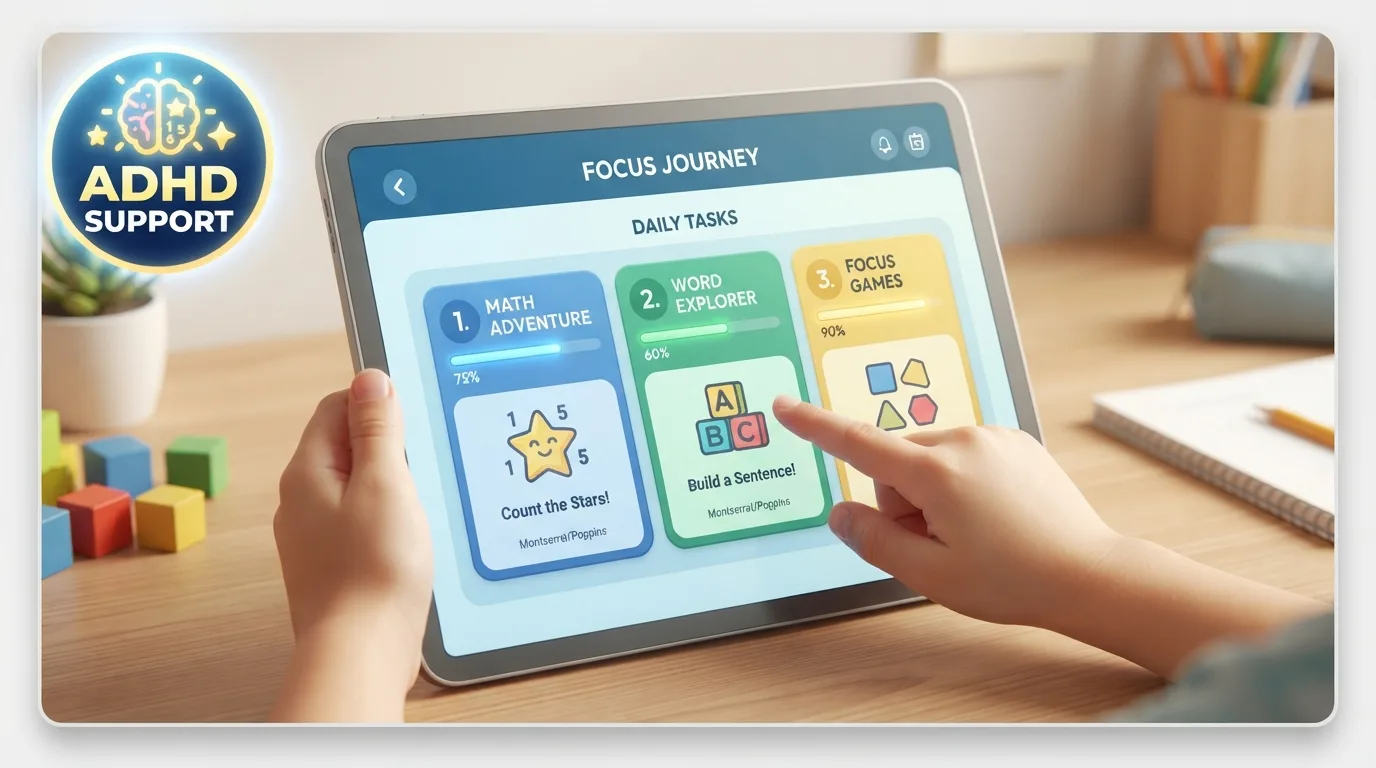
Finding top rated educational apps for children with ADHD turned our chaotic afternoons into peaceful learning blocks after endless homework battles. My son used to throw his math worksheets across the living room out of sheer frustration. Watching his eyes light up when a game finally made fractions make sense was a massive relief. You do not have to fight constant screen time battles when technology actually supports focus.
1. Endless Alphabet
Endless Alphabet transforms vocabulary practice into a playful monster puzzle game. Kids drag animated letters into place to assemble words, triggering clever animations that demonstrate meanings visually. It removes high-stakes scoring timers, allowing neurodivergent minds to explore language at their own pace.
The absence of penalty sounds keeps anxiety low during learning sessions. Short video clips reinforce phonetic sounds through bright colors and charming sound effects. Interactive letter puzzles build strong pre-reading confidence without triggering sensory overload.
2. Prodigy Math
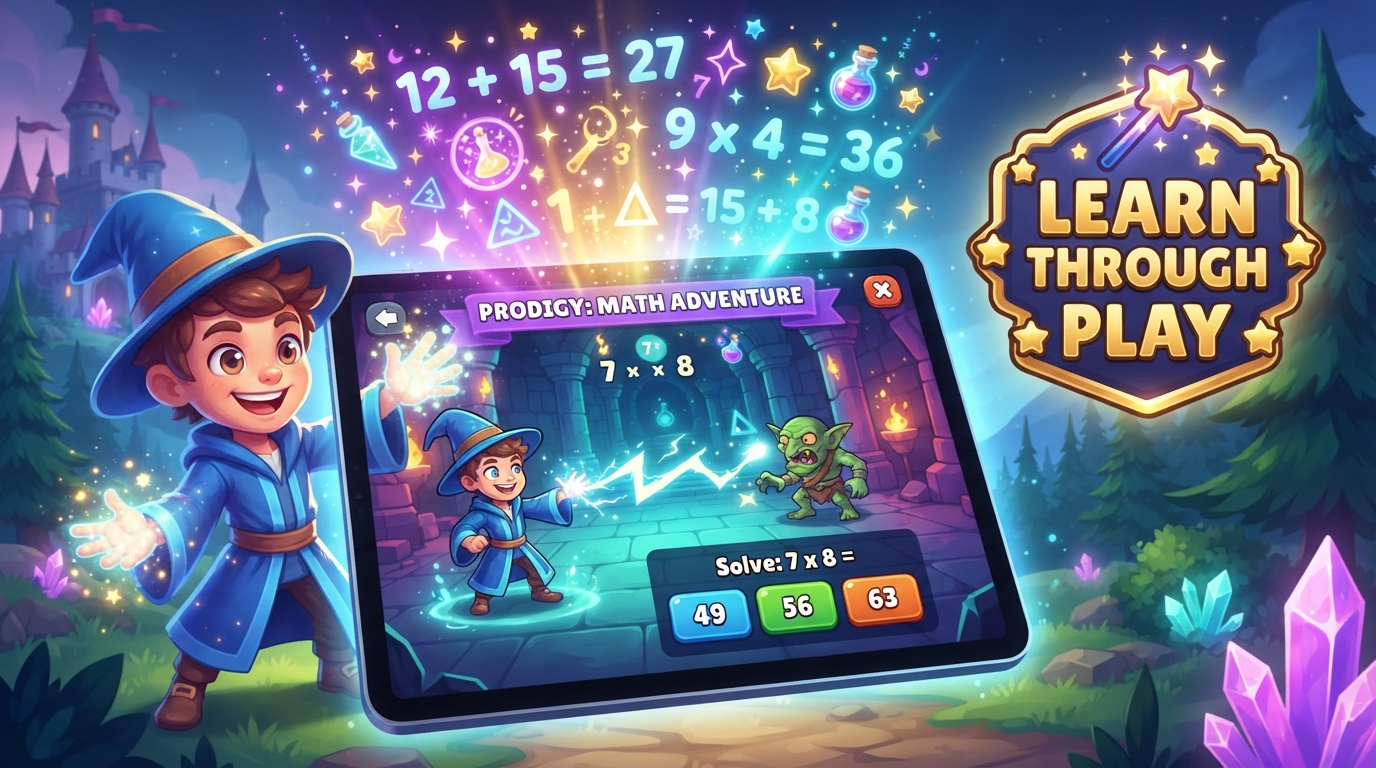
Prodigy Math blends role-playing fantasy battles with standards-aligned arithmetic practice. Children create custom wizard avatars and cast spells by solving math problems tailored to their skill level. This gamified approach turns repetitive math drills into an exciting adventure quest.
Immediate reward feedback keeps children actively engaged through tough concepts. Parents can adjust difficulty settings behind the scenes to avoid frustrating sticky points. Gamified fantasy battles make practicing basic multiplication facts feel like playing an exciting video game.
3. Homer: Top Rated Educational Apps for Children with ADHD Winner
Homer builds a customized learning roadmap based on your child’s specific interests, whether they love dinosaurs or space exploration. Pairing core reading skills with personal passions holds attention far better than standard digital flashcards. Finding top rated educational apps for children with ADHD often leads parents to Homer because it adapts seamlessly.
The clean interface minimizes distracting sidebar clutter that usually pulls kids off task. Interactive storybooks encourage vocal repetition while celebrating small milestones along the way. Customized learning roadmaps sustain mental focus by centering lessons around subjects kids already love.
4. DragonBox Numbers
DragonBox Numbers visualizes math concepts by turning abstract numbers into friendly rods called Nooms. Children physically combine, slice, and stack these characters to discover basic addition and subtraction principles. It makes early math tangible without relying on boring text-heavy worksheets.
Tactile screen gestures engage kinesthetic learners who struggle to sit still during traditional instruction. The app lets kids experiment freely without punishing incorrect attempts or forcing strict time limits. Tactile visual rods turn complex number relationships into intuitive puzzle solving.
5. Todo Math
Todo Math features over forty multi-sensory math games designed specifically for diverse learning needs. The app includes a specialized dyslexic font, high-contrast modes, and left-handed orientation settings. It provides structured daily practice adventures that last ten minutes.
Short module lengths prevent executive function fatigue before it starts. Kids earn collectible monster cards for finishing daily challenges, creating a quick dopamine hit. Multi-sensory accessibility settings ensure every child accesses foundational math skills comfortably.
6. Breathe, Think, Do with Sesame
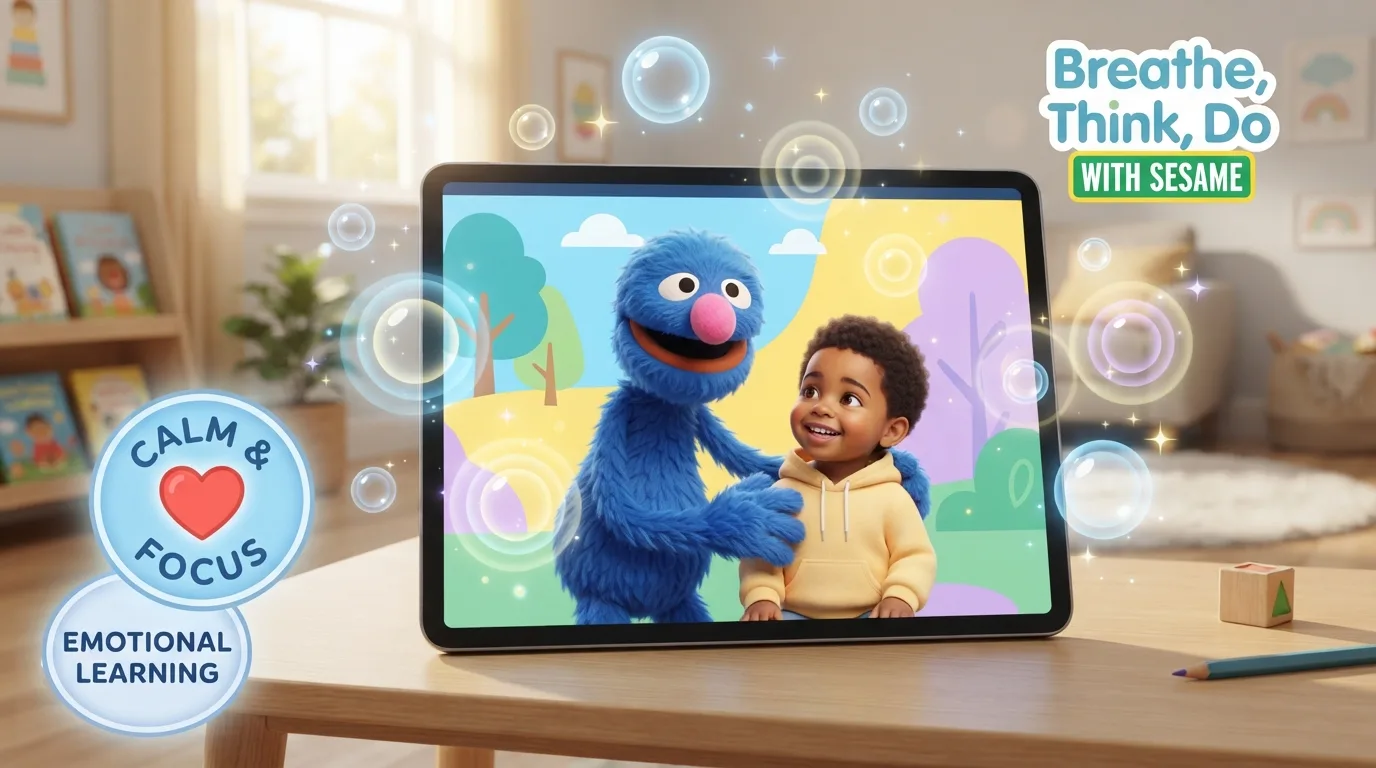
Learning requires emotional regulation, which is where Breathe, Think, Do with Sesame truly shines. Children help a friendly blue monster calm down through deep breathing exercises when he feels overwhelmed. It teaches essential coping strategies through interactive problem-solving scenarios.
Tapping the monster’s belly to slow down his breathing offers a physical anchor during stressful moments. Personalized voice recordings from parents reassure kids during tough emotional transitions. Interactive coping strategies help young minds manage impulsive frustration before diving into schoolwork.
7. Khan Academy Kids
Khan Academy Kids delivers a completely free library of lessons covering reading, math, and social-emotional growth. Whimsical animal characters guide children through interactive books, creative drawing activities, and foundational logic puzzles. It contains zero ads or hidden pop-up purchases to disrupt attention.
The adaptive learning path automatically adjusts challenge levels based on real-time responses. Offline availability allows kids to practice while riding in the car without needing cellular data. Adaptive learning paths keep hyperactive minds constantly challenged without pushing them into total meltdown territory.
Frequently Asked Questions
How do top rated educational apps for children with ADHD prevent sensory overload?
Great apps cut out flashing pop-ups, loud penalty noises, and ticking timer clocks. They use simple visual layouts with warm colors and predictable navigation. Removing bright banner ads and hidden in-app purchases keeps hyperactive minds focused on core learning activities without triggering sudden frustration or emotional meltdowns.
How much daily screen time is healthy for neurodivergent kids?
Aim for short 15 to 20 minute educational blocks rather than long marathon sessions. Quality matters far more than total minutes spent staring at displays. Pairing structured digital learning with physical movement breaks helps reinforce new concepts while keeping executive fatigue low throughout the afternoon.
Are free learning apps effective for kids with attention difficulties?
Free options like Khan Academy Kids offer incredible value without charging monthly subscription fees. They deliver high-quality adaptive lessons without annoying ad interruptions. However, check that free software does not lock essential features behind hidden paywalls that interrupt your child’s flow during practice sessions.
How can parents track academic progress without interrupting gameplay?
Look for software featuring separate parent dashboards accessible on your own phone. These dashboards send weekly email summaries showing completed skill tracks, time spent, and areas needing extra support. This setup lets you monitor actual progress quietly without stepping in and breaking your child’s hyperfocus state.
Do gamified learning tools build real academic skills?
Yes, gamification turns abstract concepts into immediate rewards, which boosts dopamine levels in neurodivergent brains. Earning virtual badges or unlocking fun game characters motivates kids to repeat difficult drills willingly. This repetition transforms fragile temporary memory into long-term learning without feeling like boring homework drills.
Conclusion
Finding digital tools that match your child’s unique brain makes learning feel like an exciting reward rather than a daily chore. Try introducing just one app this week and see how your child responds to the interactive setup. Which app do you think your child will love exploring first?